



AI Audio Studio & Creator Archiving Suite

Keep the sound.
Craft the mix.

Sagewave is a calm, browser-based audio studio for creators and musicians — separate any recording into clean instrumentals & stems, extract 320 kbps audio from your published clips, and back up your own reels.

4 StemsAI neural separation
320kbps LAME MP3 master
60 minauto-purged privacy
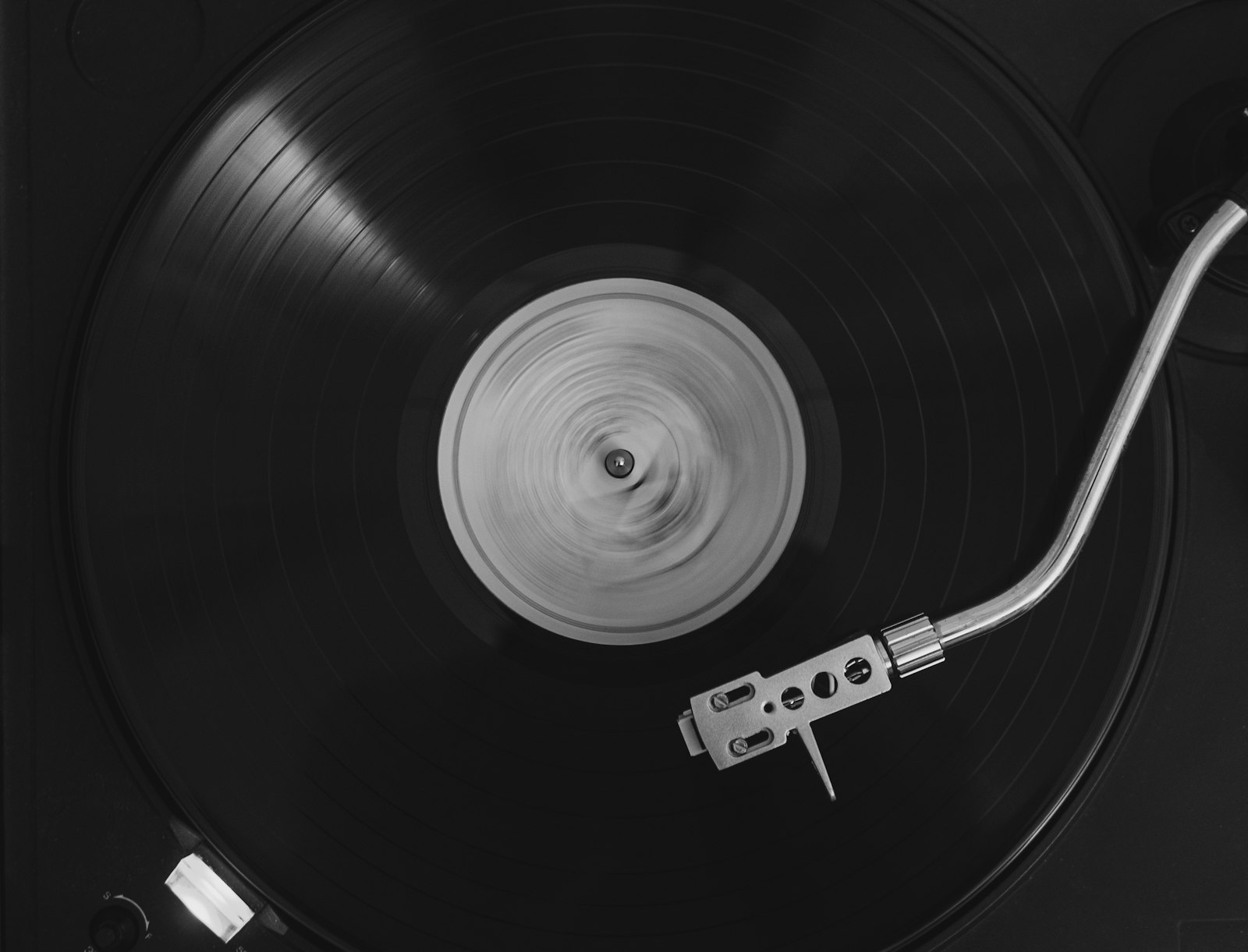
A record spinning on a turntable
AI Demucs Engine01:42
session-master.mp3 → instrumental
Studio · 320 kbps ✓
Workflow

Built for authorized creator workflows.

Sign in with Google, select a studio utility, and process your audio or personal social clips in seconds. Every job runs in an isolated temporary folder that self-deletes after one hour.

1

Provide your source

Upload your audio recording or paste a link to your own published clip.

2

Studio DSP & AI processing

Hybrid Transformer stem separation or 320 kbps LAME audio transcoding.

3

Audition & export

Preview waveforms right in the browser, then export to your local DAW or archive.

Audio Engineering Notes

How creators use Sagewave.

Ethical, high-resolution audio processing for independent production and rights-cleared archiving.

Studio Guide

AI Stem Separation for Practice & Production

Musicians, vocal coaches, and remix producers use neural source separation to decompose stereo masters into isolated instrumentals, percussion, basslines, and acapellas—making it easy to rehearse arrangements or study mix balance.

Studio Guide

Repurposing Your Own Short-Form Audio

Podcasters and video creators often record directly inside mobile apps. Extracting a clean 320 kbps CBR MP3 at 44.1 kHz lets you archive your spoken-word clips, build podcast feeds, or master audio in your DAW without generational loss.

Studio Guide

Privacy-First Ephemeral Processing

Unlike cloud storage lockers, Sagewave processes streams in isolated temporary workspaces and automatically purges every file after 60 minutes. We never index, catalog, or redistribute user-submitted media.